

Use Excel to update data in SQL Server
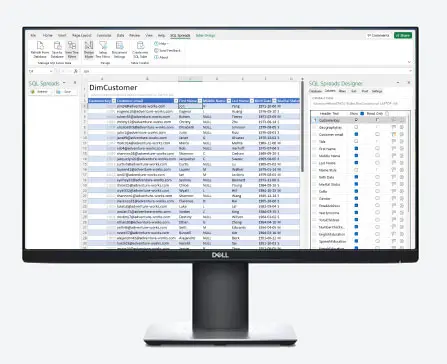
SQL Spreads is an Excel Add-In to easily and securely let your end-users update data in SQL Server.










Why SQL Spreads?

Securely update SQL Server using Excel
Use the well-known data tool everyone loves to also securely update your data in SQL Server.

Get started
in 5 minutes
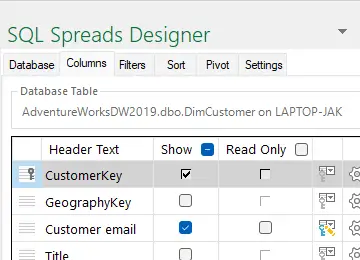
Quickly setup which tables and columns to use with the intuitive SQL Spreads Designer.

No coding
required
Read and write data between Excel and SQL Server without having to write any SQL or VBA code.
Benefits & Features
Update your SQL
Server data using Excel
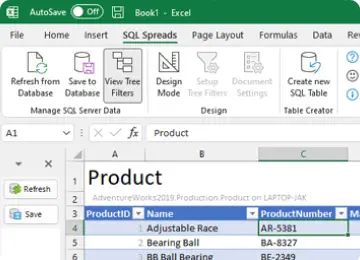
Easily use Excel to Update, Insert and Delete data in SQL Server directly from within Excel. Create solutions for end-users where they take ownership and update the centralized data in SQL Server by themselves.

Ensure data quality
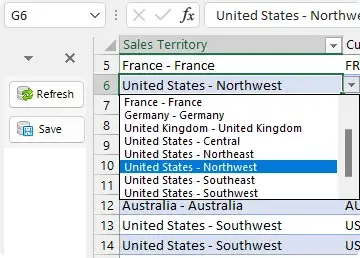
Automatically validate all entries against the data types in SQL Server. Work with related tables using drop-down lists and show descriptive texts instead of keys. Track changes and avoid conflicts when working together.
Easy to setup, easy to maintain
Get up and running within 5 minutes with no need for coding. Easily maintain your solutions in-house when the requirements change down the line. Easily collaborate and delegate the responsibility to the data owners.

Try SQL Spreads for free
Try SQL Spreads during 14 days for free. The free trial is the fully
functional, time-limited only product.
